
Quickstart Guide
import { Aside, Steps, Badge } from ‘@astrojs/starlight/components’;
Welcome to Shipbox! This guide will help you get started with your first agent sandbox.
Getting Started
Follow these simple steps to deploy your first agent environment.
-
Authentication First, visit shipbox.dev and enter the dashboard.
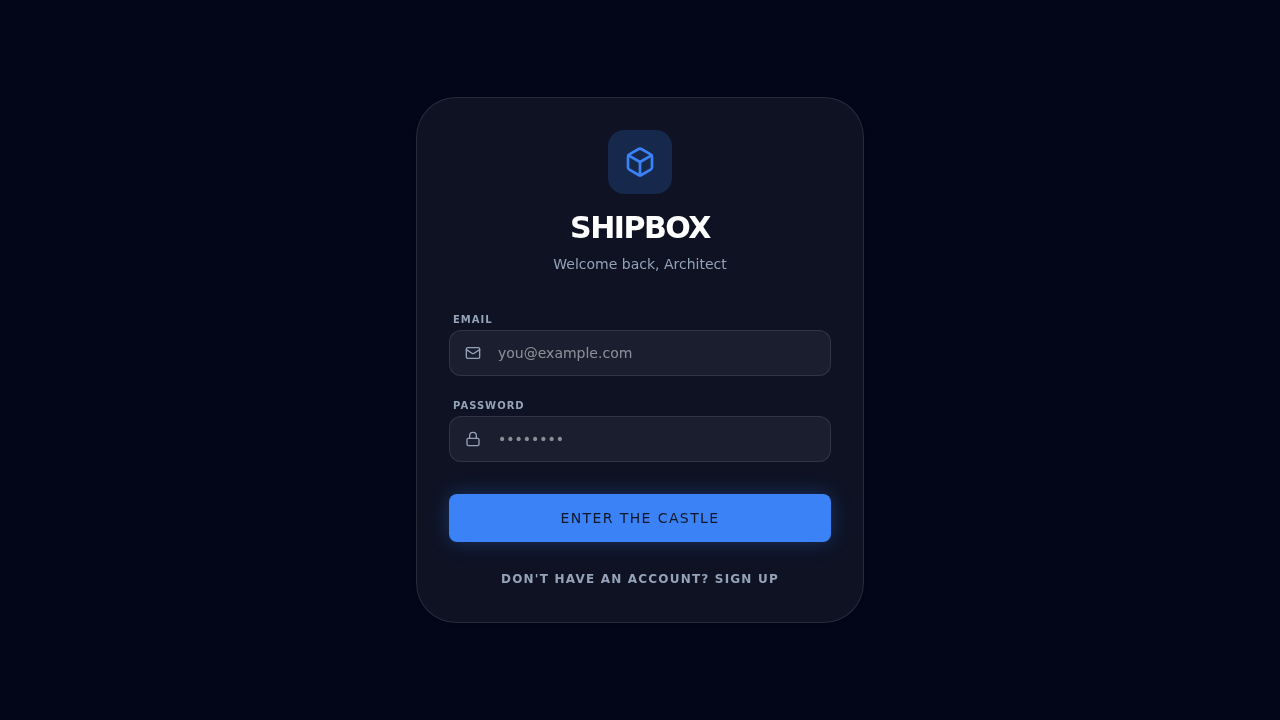
Click Enter the Castle to log in or sign up using your preferred provider.
-
Initialize Your First Box Once logged in, if you don’t have any sandboxes yet, you’ll see the initialization screen.
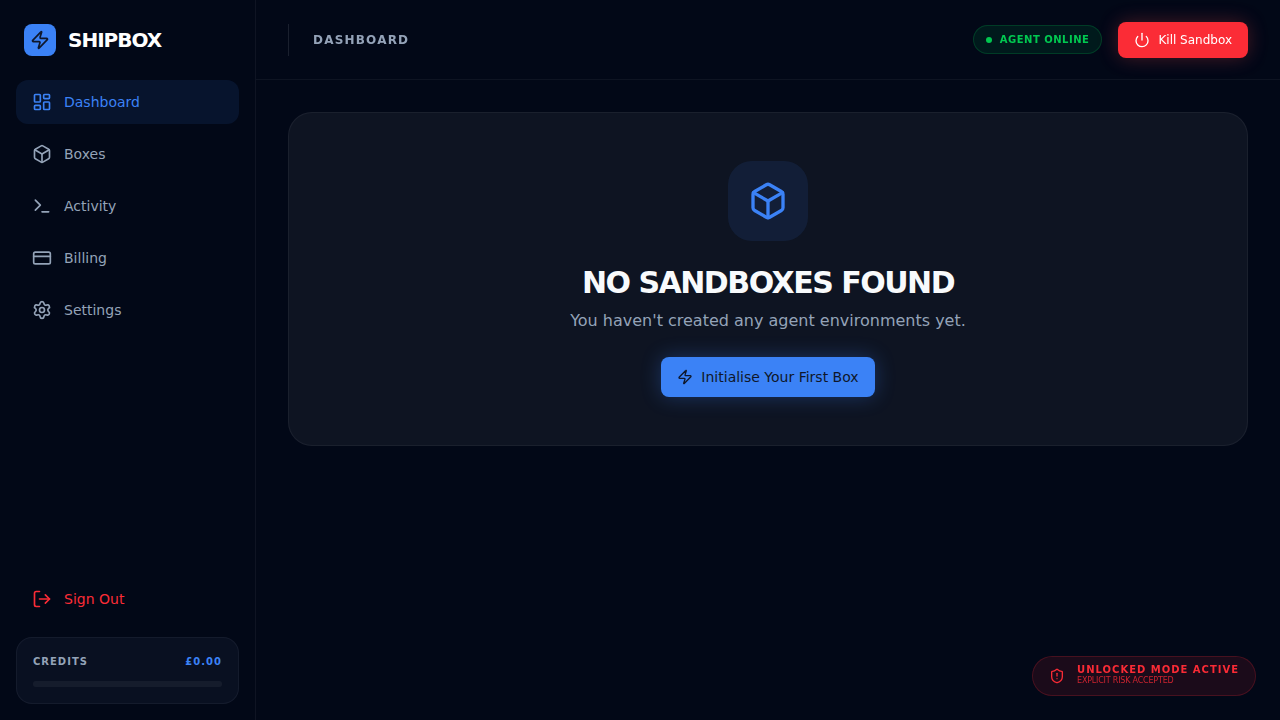
Click Initialise Your First Box to create your first agent environment.
-
Explore the Dashboard Your dashboard provides a high-level overview of your active boxes and recent activity.
- Available Credits: See your current balance.
- Active Memory: Monitor resource usage.
- Activity Timeline: Track agent logs and events.
What’s Next?
Explore more advanced features: